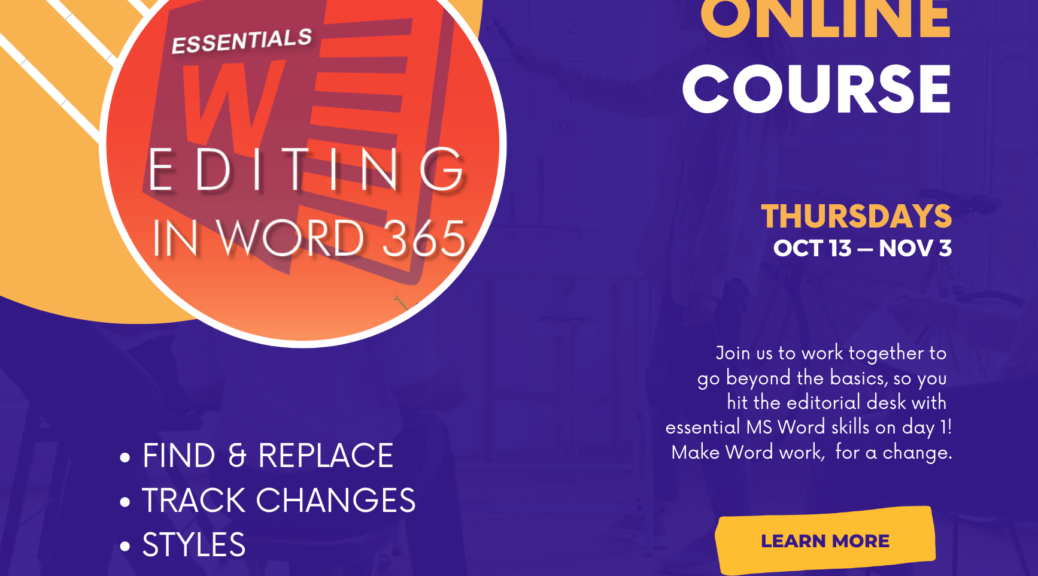
Join fellow editors in this 4-week course on the essentials of Word for editors, starting October 13th. Hit the editing desk at full speed!
Category Archives: Word-Wrangling Wednesdays
Word Essentials, Blog Set
Hit the editing desk running, with the 4-week Word Essentials course starting May 26th, and these how-to posts!
Continue reading Word Essentials, Blog SetWord Essentials, 4-week course
Join fellow editors in this 4-week course on the essentials of Word for editors, starting May 26th. Hit the editing desk at full speed!
Continue reading Word Essentials, 4-week course
Q&A: Finding Hyperlinks in Word
QHow can I find all the hyperlinks in a document?
AThere’s actually a RegEx for this (a “regular expression”). Type ^d in the Find field.
Continue reading Q&A: Finding Hyperlinks in WordNew Edition of EIW365 Available Now

Head on over to Lulu to buy the epub, updated and doubled in size!
In the preface, you’ll find a password for the resource site where you’ll find:
Continue reading New Edition of EIW365 Available NowNext Edition Coming Soon!
Now double the size, this expanded and updated edition incorporates an entire booklet on working with tables and three sections on ways to customize your workspace and combine and manipulate the features to hack the tools for maximum effect. Plus, it covers all of Word’s updates including changes to Modern Comments, Track Changes, Spellcheck, and the new Editor toolset.
Continue reading Next Edition Coming Soon!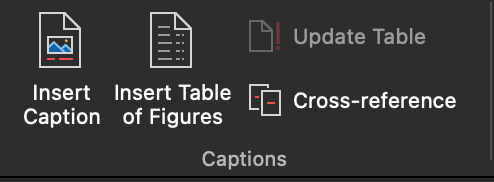
Q&A: Is there an easy way to make a list of figures?
QIs there a way to generate a list of figures and tables in a book (in the FM)? Using a Word function?
AYes! When styles have been applied to the captions/titles, it’s a snap! There are also plugins and macros that will do this, explained below.
Continue reading Q&A: Is there an easy way to make a list of figures?
Q&A: Spellcheck Is Now in “Editor” in Word
QWhere did Spellcheck go!?
AIt’s tucked inside “Editor” now. It’s pretty much the same, except that readability statistics are found in an area of the Editor pane too, not after running Spellcheck. See the demos below.
Continue reading Q&A: Spellcheck Is Now in “Editor” in Word
Essentials training
Get the know-how to hit the editorial desk at full speed. Sign up now for this on-demand self-paced training at Archer Editorial Training and turn Word into something that makes editing easier.
- Start any time.
- Learn at your own speed.
- The course is yours to keep!

Word Essentials handout, Editors transform
Here is the handout (296 kB) with a summary of links for more about the topics covered in the session. You can search this blog using the field in the middle of this page, and submit your questions about word using this email link.
Continue reading Word Essentials handout, Editors transform