Now double the size, this expanded and updated edition incorporates an entire booklet on working with tables and three sections on ways to customize your workspace and combine and manipulate the features to hack the tools for maximum effect. Plus, it covers all of Word’s updates including changes to Modern Comments, Track Changes, Spellcheck, and the new Editor toolset.
Continue reading Next Edition Coming Soon!Tag Archives: Word 365
Q&A: Is there an easy way to make a list of figures?
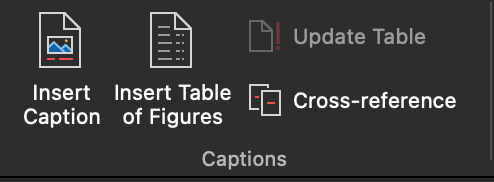
QIs there a way to generate a list of figures and tables in a book (in the FM)? Using a Word function?
AYes! When styles have been applied to the captions/titles, it’s a snap! There are also plugins and macros that will do this, explained below.
Continue reading Q&A: Is there an easy way to make a list of figures?Q&A: Spellcheck Is Now in “Editor” in Word
QWhere did Spellcheck go!?
AIt’s tucked inside “Editor” now. It’s pretty much the same, except that readability statistics are found in an area of the Editor pane too, not after running Spellcheck. See the demos below.
Continue reading Q&A: Spellcheck Is Now in “Editor” in WordEssentials training
Get the know-how to hit the editorial desk at full speed. Sign up now for this on-demand self-paced training at Archer Editorial Training and turn Word into something that makes editing easier.
- Start any time.
- Learn at your own speed.
- The course is yours to keep!
Word Essentials handout, Editors transform
Here is the handout (296 kB) with a summary of links for more about the topics covered in the session. You can search this blog using the field in the middle of this page, and submit your questions about word using this email link.
Continue reading Word Essentials handout, Editors transformCreate a Table of Contents in Word Automatically
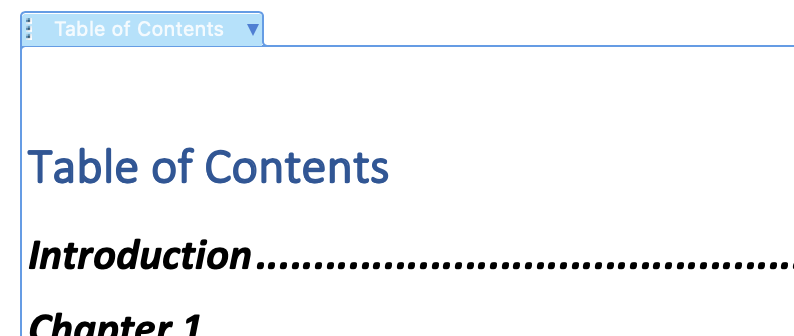
Word will automatically populate a table of contents for any file. Here’s the easiest method:
Continue reading Create a Table of Contents in Word AutomaticallyCreate a Landscape Page in a Portrait Document
To accommodate a very wide table or picture, turn its page(s) sideways within a document. All you have to do is insert section breaks before and after the content, then select landscape orientation for those pages.
Continue reading Create a Landscape Page in a Portrait DocumentChanges Coming to Comments in Word
“Modern Comments” are rolling out to subscribed Windows users and Word for Web rather like a steam roller over rubber duckies. This new MS Word “feature” is interrupting workflow for many and may render some functions inside them inoperable (such as autocomplete and search). Here’s what to expect:
Continue reading Changes Coming to Comments in WordParagraph spacing in Word
There’s no need to hit return multiple times to make a manuscript look nice. In fact the next person in the production line will probably be removing those hard returns as a first step toward producing the final product.
Continue reading Paragraph spacing in WordLittle-known Word Shortcuts

If you are using control + S to save like you’ve got a twitch (and what MS user hasn’t learned to save obsessively), you already know that shortcuts will save you a lot of time over using menus. Here are some surprising, lesser-known keyboard shortcuts that will speed up your productivity.
Continue reading Little-known Word Shortcuts